Patch Options
Patch Options Window
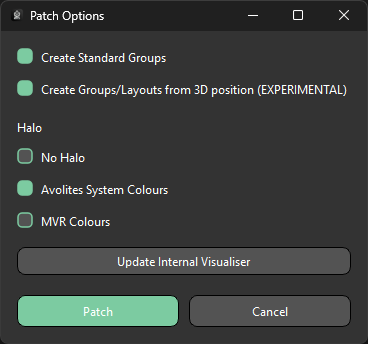
Pressing Patch Fixtures opens the Patch Options window, where the options below are set before patching begins.
| Option | Description |
|---|---|
| Create Standard Groups | Creates one group per fixture type based on the imported fixtures |
| Create Groups/Layouts from 3D position | Creates groups with the prefix fx using fixture 3D positions to determine fixture order, useful for effects |
| No Halo | Patches fixtures without a halo colour |
| Avolites System Colours | Patches fixtures with the halo colour set by Titan's system colours — matches the colour shown in Titan's Patch View window |
| MVR Colours | Patches fixtures using the layer colours embedded in the MVR file, if present |
| Update Internal Visualiser | Opens the Update Internal Visualiser window |
| Patch | Confirms the selected options and patches all currently matched fixtures into Titan |
warning
Create Groups/Layouts from 3D position is experimental and may not produce optimal results.
Info
Create Standard Groups and Create Groups/Layouts from 3D position are both enabled by default.
Patch Process
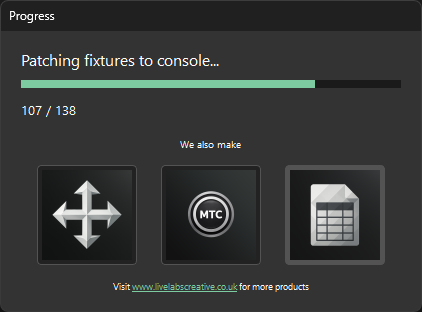
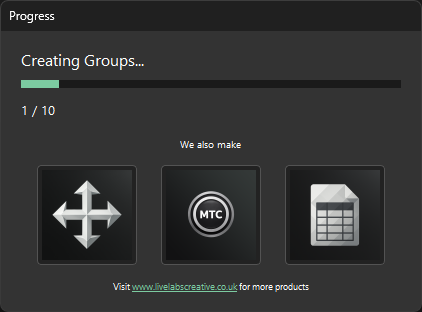
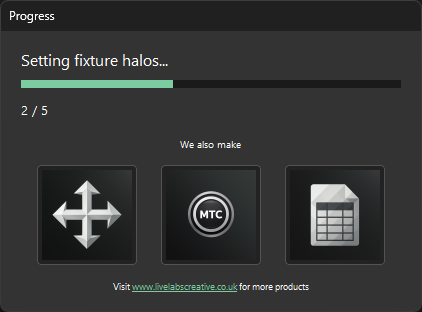
Once Patch is pressed, a progress window tracks each stage in turn: fixtures are patched, then groups are created, then halo colours are applied. Which stages run depends on the options selected in the Patch Options window — the Creating Groups stage is skipped if both group-creation checkboxes are unchecked, and the Setting Fixture Halos stage is skipped if No Halo is selected.